
Velo Client 0.9.98: Now Playing
See what's playing without leaving Minecraft: a popup with the cover when the song changes, and play, skip and volume right in the R-Shift menu. Plus two launcher fixes.
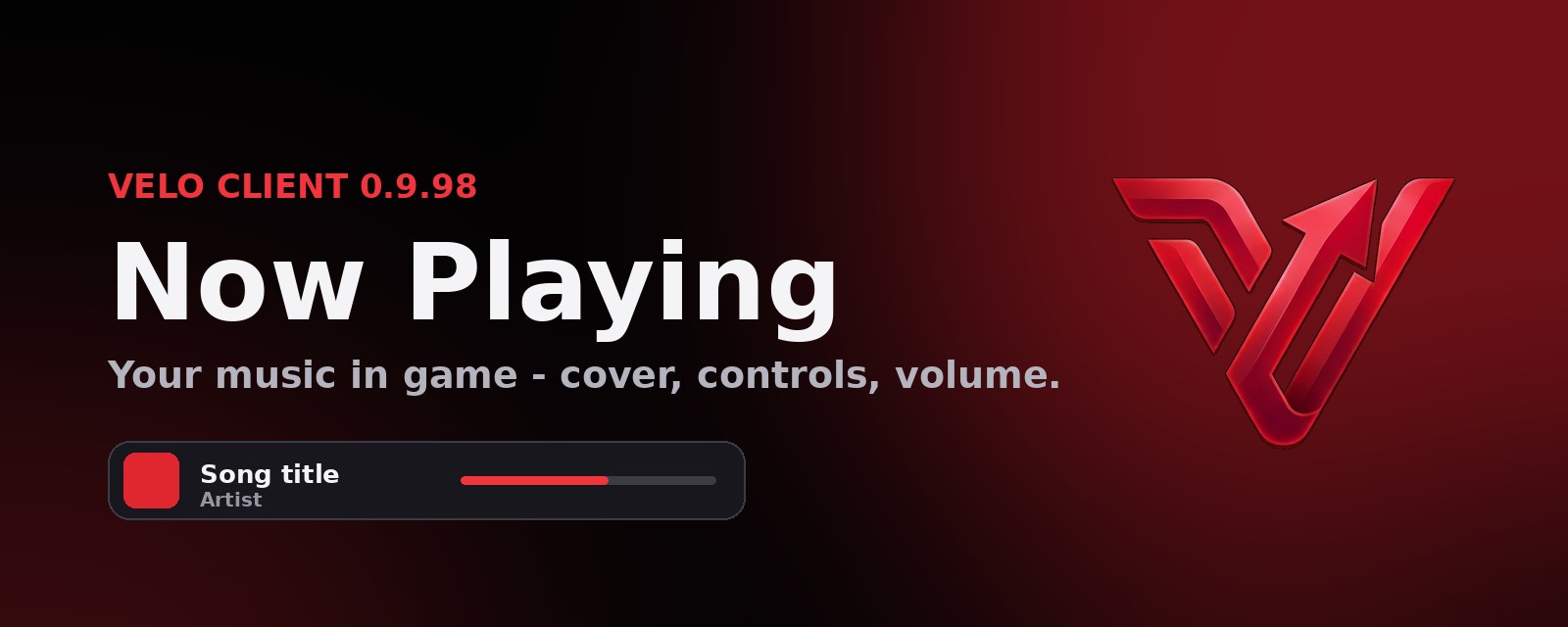
Your music, in game
The new Media Player module shows a small popup with the cover, title and artist whenever the song changes - from Spotify, YouTube Music, your browser or any other player. It uses your computer's media controls, so there's nothing to log in to.
- Controls in the R-Shift menu: play / pause, previous and next, and a clean volume slider.
- Always in sync: skip or pause on your phone, keyboard or in the app and the controls follow.
- Turn it on under Modules > Media Player - choose where the popup shows and how long.
Fixes
- Launcher: your own Velo+ Home background no longer sometimes disappears and falls back to the island.
- Launcher: sign-in codes for the Velo staff panel show up right away.
Get the update: the launcher updates itself. New here? It's free.
Download MQL ClientMore news
All news → Velo Client 1.0 is hereThe full release: bodywear, kill effects, 14 new HD cloaks with real cloth physics, new wings and auras, a free cosmetic for you - plus shaders that finally get the Nether and End right, a cleaner Redstone Mode and smoother cloaks.
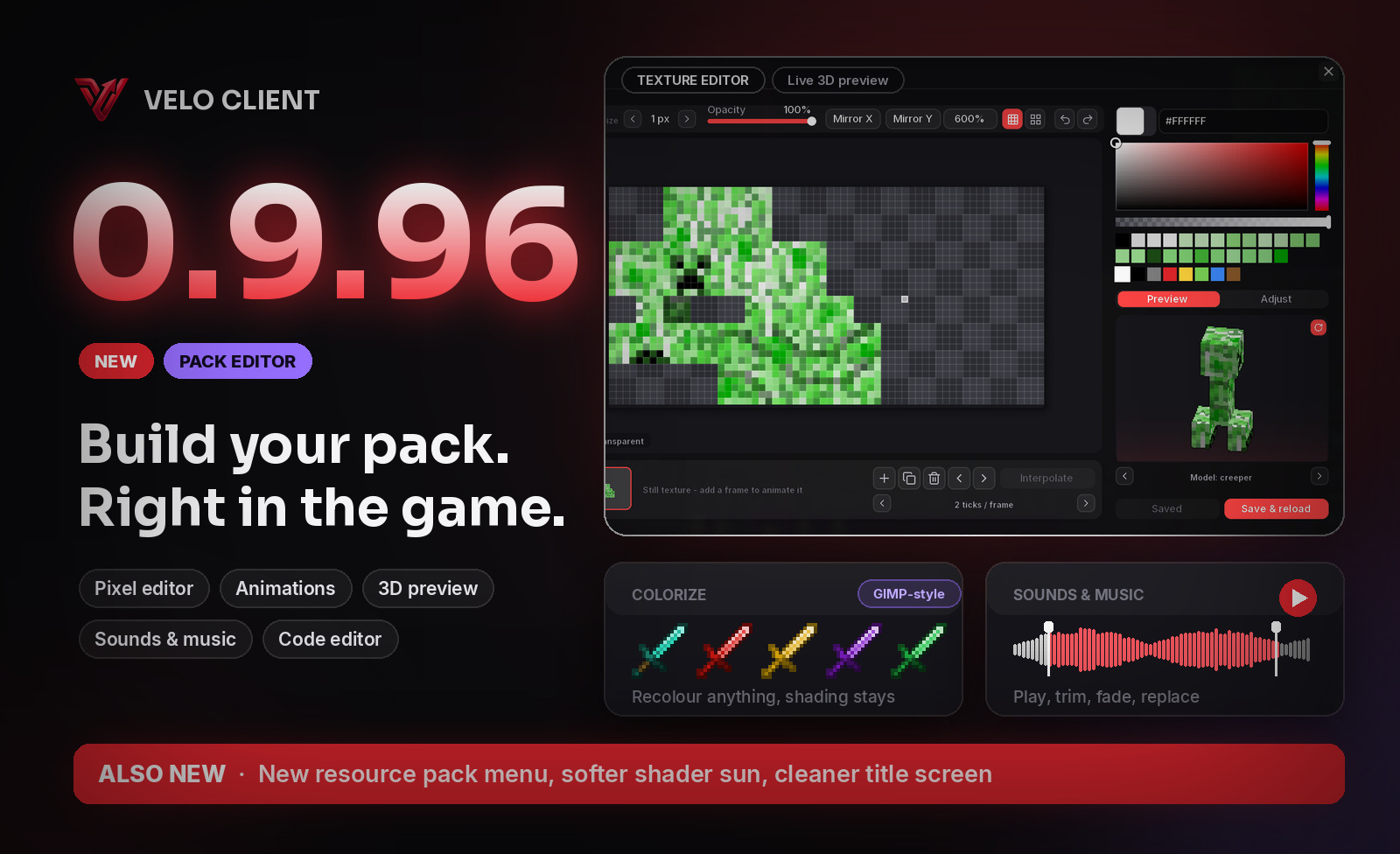 Velo Client 0.9.96: Build your own resource pack in gameA brand-new resource pack menu and a full pack editor inside Minecraft: paint textures with a 3D preview, animate them, recolour anything GIMP-style, replace sounds and music, and edit every JSON and shader file - then reload and see it in your world.